

Organizations increasingly rely on dashboards, in today’s data-driven world, to visualize and analyze large datasets. A well-designed dashboard can offer actionable insights, streamline decision-making, and enhance business intelligence. However, developing a dashboard that efficiently handles large datasets demands a robust web application architecture for developing dashboard for large datasets. Techversol, in this article, will let you explore the fundamental components of web application architecture for building dashboards capable of handling vast data volumes, ensuring optimal performance, and providing an exceptional user experience.
Understanding Web Application Architecture:
Web application architecture refers to the framework that describes the interactions between different elements of a web application. It summarizes how data flows through the system, how it is processed, and how it is delivered to users. The architecture, for dashboards dealing with large datasets, must be carefully planned to ensure scalability, performance, and maintainability.
Key Components of Web Application Architecture:
Client-Side (Frontend):
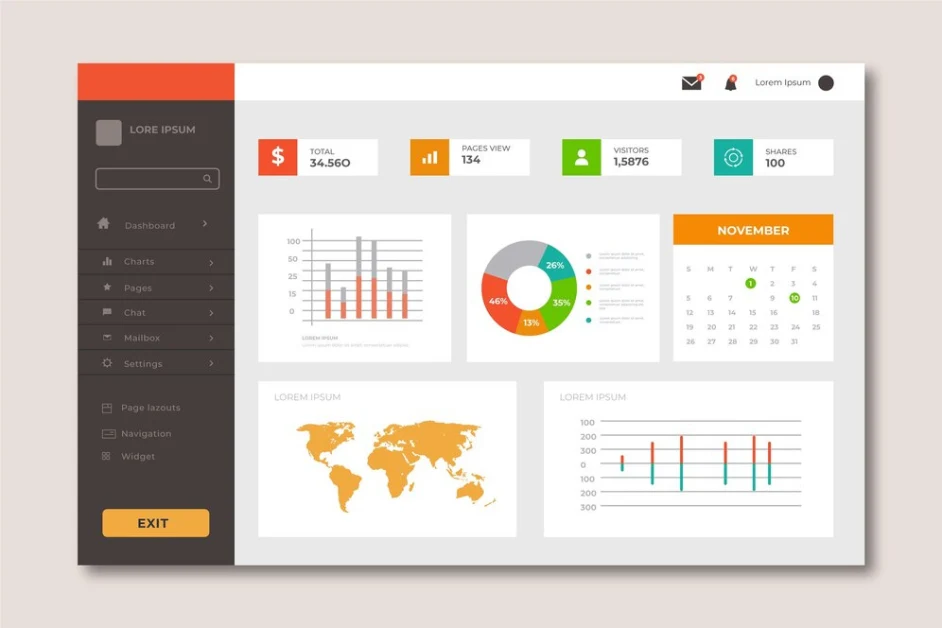
- User Interface (UI): The UI is the front-facing part of the dashboard where users interact. It must be responsive, intuitive, and visually attractive. Frameworks like React, Angular, or Vue.js are commonly employed to create dynamic user interfaces.
- Data Visualization Libraries: Libraries such as D3.js, Chart.js, or Highcharts allow developers to build interactive charts and graphs that can effectively represent large datasets.
Server-Side (Backend):
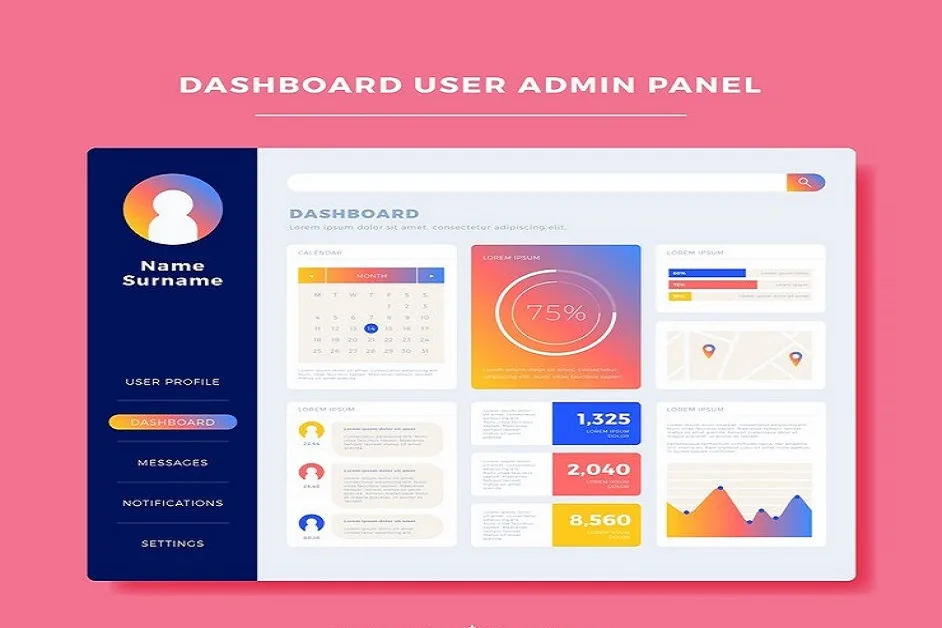
- Application Server: The backend is responsible for processing requests, handling business logic, and interacting with databases. Favored frameworks include Node.js, Django, and Ruby on Rails.
- Database Management System (DBMS): Choosing the right DBMS, for large datasets, is essential. Options incorporate relational databases, like PostgreSQL and MySQL, and NoSQL databases, like MongoDB and Cassandra, each serving various data storage and retrieval requirements.
Data Layer:
- Data Warehousing: A data warehouse may be utilized to aggregate data from different sources to effectively handle large datasets. This enables efficient querying and reporting.
- ETL Processes: Extract, Transform, and Load (ETL) processes are important for data integration. Tools such as Apache NiFi, Talend, or custom scripts can be used to prepare data for analysis.
APIs:
- RESTful or GraphQL APIs: APIs are essential for communication between the frontend and backend. RESTful APIs or GraphQL can be employed to fetch and manipulate data efficiently.
Caching Layer:
- In-Memory Caching: To improve performance, particularly when dealing with large datasets, a caching layer, like Redis or Memcached, can be implemented. This lets often accessed data be stored in memory, reducing database load and enhancing response times.
Deployment and Infrastructure:
- Cloud Services: Utilizing cloud platforms such as AWS, Azure, or Google Cloud can offer essential scalability and reliability. Services such as AWS S3 for storage, EC2 for computing power, and RDS for managed databases are commonly utilized.
- Containerization: Tools such as Docker and Kubernetes foster the deployment and management of applications, ensuring that the dashboard can scale as required.

Build a data-driven dashboard that delivers real-time insights and seamless performance. Partner with Techversol for expert development!
Design Considerations for Dashboards with Large Datasets:
Several performance optimization methods can be utilized to ensure the web application architecture for developing dashboard for large dataset remains responsive, particularly under heavy load.
- Data Modeling: Appropriate data modeling is crucial to organize the dataset effectively. Using approaches like normalization for relational databases or proper data structures for NoSQL databases can enhance data retrieval speeds.
- Efficient Querying: Optimize database queries to assure fast data retrieval. Techniques possess indexing, partitioning, and utilizing aggregate functions. Additionally, avoid loading unnecessary data into memory, specifically when displaying visualizations.
- Pagination and Lazy Loading: Implement pagination or lazy loading rather than loading the entire dataset at once. This method loads data incrementally, enhancing initial load times and user experience.
- Data Aggregation: Pre-aggregating data for common queries can significantly lessen the load on the database. This can be done during ETL or through scheduled jobs updating summary tables.
- Asynchronous Data Loading: Employ asynchronous methods to load data. This enables the dashboard to display initial content while background processes fetch additional data, improving perceived performance.
- User-Centric Design: With the end-user in mind, design the dashboard. Assure that visualizations are precise, informative, and easy to interact with. User feedback should be collected to refine and enhance the dashboard over time.
Performance Optimization Techniques:
Several performance optimization methods can be utilized to ensure the dashboard remains responsive, particularly under heavy load:
- Load Balancing: Distributing incoming traffic across various servers assists in preventing any single server from becoming a bottleneck, ensuring high availability and reliability.
- Content Delivery Network (CDN): Employing a CDN can lessen latency by caching static assets closer to users. This is specifically valuable for serving images, stylesheets, and scripts.
- Minification and Bundling: Minifying and bundling JavaScript and CSS files decreases the number of HTTP requests and lowers load times. Tools such as Webpack can automate this process.
- Compression: Implementing Gzip or Brotli compression on server responses can significantly lessen the size of data transmitted over the network, speeding up load times.
- Monitoring and Analytics: Ongoing monitoring of application performance is essential. Tools such as Google Analytics, New Relic, or Grafana can offer insights into user behavior and system performance, allowing for proactive adjustments.
Security Considerations:
Security must be a top priority when creating dashboards that handle large datasets:
- Authentication and Authorization: Implement powerful authentication mechanisms, such as OAuth or JWT, to control access to the dashboard. Role-based access control (RBAC) can assure users see only the data they are permitted to access.
- Data Encryption: Employ encryption protocols, such as HTTPS and TLS, to secure data in transit. Consider encrypting it, for sensitive data stored in the database, at rest.
- Regular Security Audits: Conduct security audits and vulnerability assessments regularly to identify and mitigate potential security risks.
Conclusion:
Building a dashboard for large datasets requires a carefully planned web application architecture for developing dashboard for large datasets to ensure performance, scalability, and usability. By selecting the right components, optimizing performance, and prioritizing security, organizations can create dashboards that efficiently handle large data volumes while delivering valuable insights for informed decision-making. Partnering with a custom WordPress development company can further enhance the development process, ensuring seamless integration and optimal performance.
Ready to transform your data into actionable insights? Get Started with Techversol’s Application Development Service
FAQs:
What is the cost of developing a web application?
The cost of developing a web application might cost you a month-on-month retainer and the project lifetime can be anywhere between a month and three months.
Is there any difference between UI design and UX design?
UI Design – User Interface – effectively focuses on the visual elements of the application, which includes layout, colors, typography, and icons. UX Design – User Experience – poised to focus on the comprehensive user experience, including navigation, user flow, and usability.
How can you assure me of your service quality?
Having firm expertise in providing the best services, our experts ensure that we never lack quality and provide appropriate that comply with your business values. Our team’s regular checks and utilizing data and analytics make our service quality transparent.
Why enterprise web application development process is more involved than web applications?
The enterprise web application development process is more involved than the web app because enterprise applications are more complex as they need to be able to support a large number of high traffic levels, users, and compliance standards.