In digital media, video rendering is an essential process as it plays a key role in transforming raw video footage into a polished final product. Understanding ‘what is rendered video or what does video rendering mean’ can significantly enhance your workflow and the quality of your outputs whether you’re a filmmaker, content creator, or graphic designer. Techversol, in this article, will delve into understanding ‘what is rendered video or what does video rendering mean’, how it works, its importance, and the various types and software used in the rendering process.
What does Video Rendering mean?
Video rendering is developing a video file from a sequence of images, audio, and other data. This includes taking raw video footage, along with any edits, effects, transitions, and enhancements, and compiling it into a coherent video file that can be viewed on different devices. The computer processes, during rendering, each frame of the video and applies any changes made during editing like color correction, special effects, and sound design. The result is a finalized video that can be exported in various formats and resolutions, and prepared for distribution or streaming.
Process of the Video Rendering:
Importing Raw Footage:
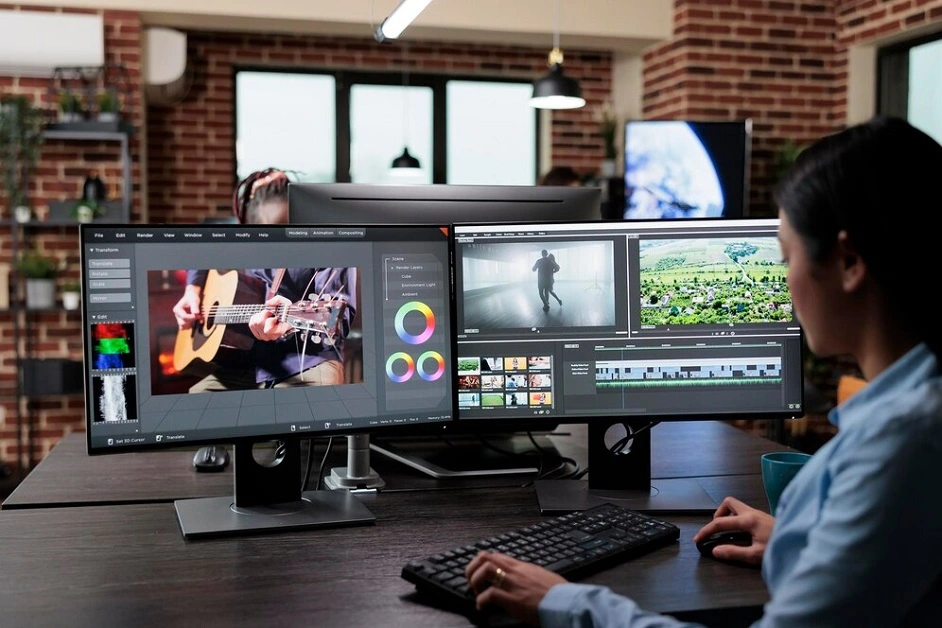
The first phase in rendering is importing raw footage into video editing software. This footage can come from different sources like cameras, smartphones, or screen recordings.
Editing:
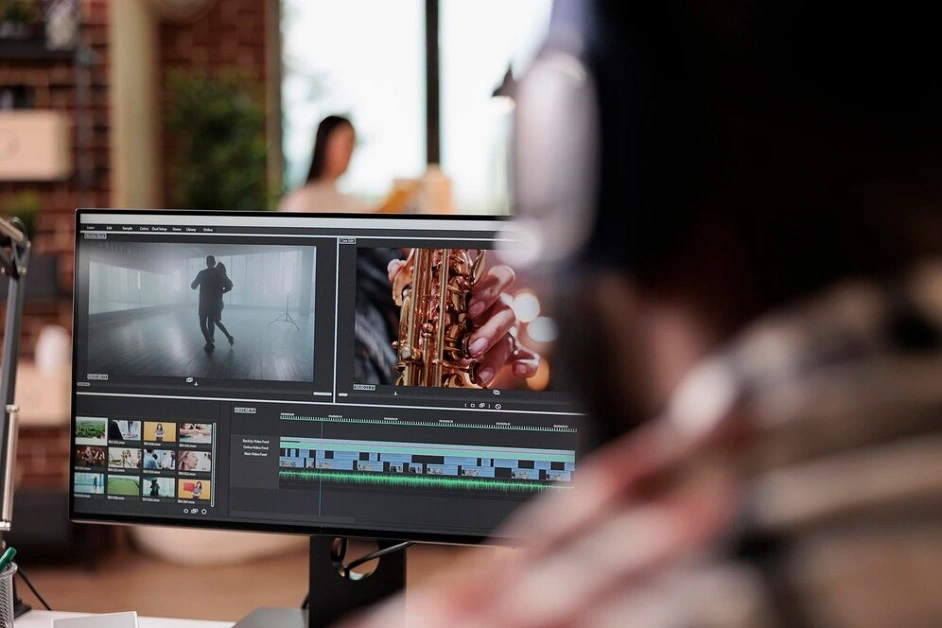
Editors can start making adjustments once the footage is imported. This may include removing unnecessary parts, adding transitions between clips, and layering audio tracks. The editing process is essential as it specifies the narrative flow and overall impact of the video.
Adding Effects and Enhancements:
Editors usually improve videos by adding effects like filters, animations, and text overlays. These enhancements can significantly promote the visual appeal and professionalism of the video.
Rendering Settings:
Settings must be configured before rendering starts. This possesses choosing the output format, such as MP4, MOV, or AVI, resolution (1080p, 4K, etc.), and bitrate. The preferred settings will influence the quality and size of the final video file.
The Rendering Process:
The actual rendering starts once all edits and settings are finalized. The software processes each frame, applying all edits, effects, and transitions. This phase can be resource-intensive and time-consuming, depending on the length of the video, the complexity of the edits, and the power of the computer being employed.
Exporting the Final Video:
The final product can be exported after rendering is complete. This is the video file that can be shared, uploaded, or stored for future use.
Types of Video Rendering:
There are different types of video rendering, each suited for various applications and results. The main types include:
Real-Time Rendering:
This type of rendering appears during playback, letting users see the effects of their edits instantly. It is typically employed in video games and live broadcasts, where performance and immediacy are essential. However, real-time rendering may compromise quality, as it usually relies on lower-resolution assets to maintain speed.
Pre-Rendering:
Pre-rendering includes rendering video content in advance instead of during playback. This is typical in film production and high-quality video projects, where the final output must meet specific standards. Pre-rendering assures that all visual effects and edits are meticulously processed before the final viewing.
Offline Rendering:
This is a slow process where rendering emerges in a separate environment, enabling high-quality output. Offline rendering is often utilized in animations and visual effects-heavy projects, as it allows complex calculations and detailed rendering without the constraints of real-time performance.
Online Rendering:
Online rendering, in contrast, involves rendering changes directly into the timeline of a project. It’s quicker and more efficient for smaller projects or live events, where adjustments require to be made on the fly.
Importance of Video Rendering:
Quality Assurance:
Rendering finalizes edits, assuring the video meets the expected quality standards. This is essential for proficient projects, as the final output reflects the creator’s skill and attention to detail.
Compatibility:
Rendered videos can be exported in different formats, assuring compatibility with various devices and platforms. This flexibility is essential for reaching a broader audience, whether for social media, streaming platforms, or broadcasting.
Efficient Workflows:
Understanding ‘what is rendered video or what does video rendering mean’ enables creators to facilitate their workflows. Editors can, by knowing how to set up projects for efficient rendering, save time and resources, enabling quicker turnaround times for projects.
Creative Control:
The rendering process allows for a high level of creative control. Editors can experiment with different effects, transitions, and audio mixes, ultimately shaping the narrative and emotional impact of the video.
Tips for Effective Video Rendering:
- Optimize Your Hardware: Ensure your computer has sufficient processing power, RAM, and storage. Upgrading your hardware can significantly reduce rendering times and enhance performance.
- Manage Your Assets: Keep your project organized by managing assets efficiently. Use proper file naming conventions and organize footage into folders to streamline the editing and rendering process.
- Test Different Settings: Experiment with different output settings to find the best balance between qualities and file size. Sometimes, reducing bitrate or resolution can result in faster rendering without noticeable quality loss.
- Utilize Proxies: Consider using proxy files—lower-resolution versions of your clips for high-resolution footage. Editing with proxies can speed up the process, and you can render the final video in full resolution.
- Stay Updated: Keep your video editing software updated to ensure you have access to the latest features, optimizations, and rendering options.
Conclusion:
Video rendering is a fundamental element of video production, transforming raw footage into effective, polished content. Creators can enhance their workflows and produce high-quality videos by understanding “what is rendered video or what does video rendering mean,” the rendering process, its types, and its significance. In 3D product rendering services, this process is particularly valuable, enabling businesses to create realistic, visually engaging product models that attract customers and communicate intricate details clearly and effectively.
FAQs:
What is a render image?
A render image is a 2D visual representation generated from a 3D model, showcasing how the model appears under specific lighting, materials, and camera settings.
Can I get 3D renderings from existing designs or sketches?
Surely, our designers can create 3D renderings from existing sketches, conceptual designs, and plans with providing accurate and clear reference materials allows us to offer the most precise and high-quality renderings.
In which file formats do you provide projects of 3D renderings?
Our team provides rendering projects in different file formats such as high-resolution PDF, JPEG, PNG, and TIFF. We will adapt your requirements if you have any specific necessities or need the project in a different file format.
Keen to bring your projects to life? Click below to get our professional video rendering services today!